






















Trending Topics

How’s your portrait mode experience with Samsung Galaxy Z Flip8?
I always look forward to taking portrait-mode pictures, but eventually, I end up disappointed with the results. However, I noticed that the Samsung Galaxy Z Flip8 offers a portrait mode that delivers a natural-looking blur and true-to-life colours. So, I’m pretty curious to know about the practical experience of users who have tried it.

Does anyone else prefer using a tablet in portrait mode even when the screen is big enough for landscape
I started using mine mostly for reading and browsing, so portrait feels more natural. Now I barely rotate it unless I am watching something.

Which apps still look awkward on the Samsung Galaxy Z Fold8 inner display?
The newly launched Samsung Galaxy Z Fold8 provides a better viewing experience. But many apps look awkward on the main screen. Many apps, like delivery apps, local banking apps, and some gaming apps too, don't fit the inner display of the smartphone. The apps on the inner screen are often shown in portrait mode. Which apps do you think still need a better layout for the Samsung Galaxy Z Fold8 inner display?
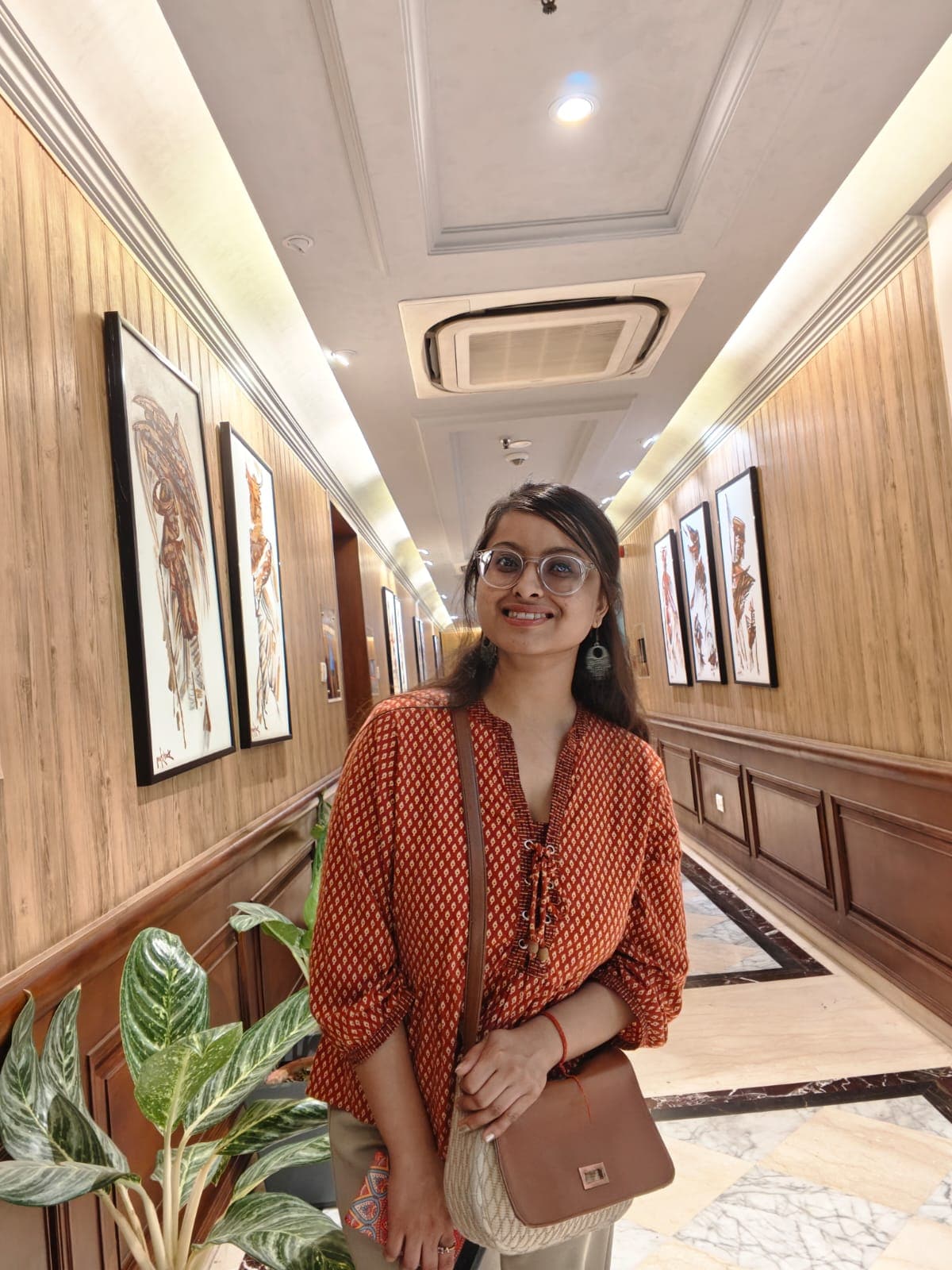
Galaxy S26 Ultra tip: Try Virtual Aperture on everyday objects
The aperture can be dynamically adjusted on professional-grade cameras but not on phones. I think Samsung Galaxy S26 Ultra has mimicked this with its virtual aperture feature. It not only clicks in portrait mode, but gives the subject a real depth separation.

Samsung Galaxy S26 Ultra Selfie Camera Fits More People Now
Just discovering selfie photos with my new Samsung Galaxy S26 Ultra. I was capturing a group photo from a wider front camera. I tried the photo in portrait mode, but felt the wide one fixes everyone in the frame. Also, no need to stretch my fingers near the edges. Feels comfortable in clicking.
Virtual Aperture on the Samsung Galaxy S26 Ultra sounds creative
I have tried a lot of portrait modes in my previous Samsung phones. Mostly, the photos look artificial because of their blurry effect. I captured a few photographs of dining, museums, and historical places with virtual mode, honestly the images are much closer to high-quality photos. I am able to tweak the depth and blur naturally. Loving its bokeh effect!

