






















Trending Topics

Samsung Galaxy S26 Ultra Passkeys Feel Way Less Annoying Than Passwords
I recently started using fingerprint-based passkeys on my Samsung Galaxy S26 Ultra. Seriously, it is far better than passwords. I do not have to rely on remembering characters, relieving me from hackers and waiting for OTPs every time. I just need to do a fingerprint scan, and it is done!

How do you manage your passwords?
I struggle with memorising passwords. Writing them on notepads or even on note-keeping apps is unmanageable. I discovered Google password manager to save my passwords. Are there any other tools recommendations?

Samsung Pass Is Slowly Replacing My Password Manager
After upgrading to the Galaxy S26, I tried Samsung Pass without expecting much, but biometric logins became so easy that I’m using passwords less and less.

Galaxy S26 Ultra Privacy Display: Useful Feature or Just a Fancy Gimmick?
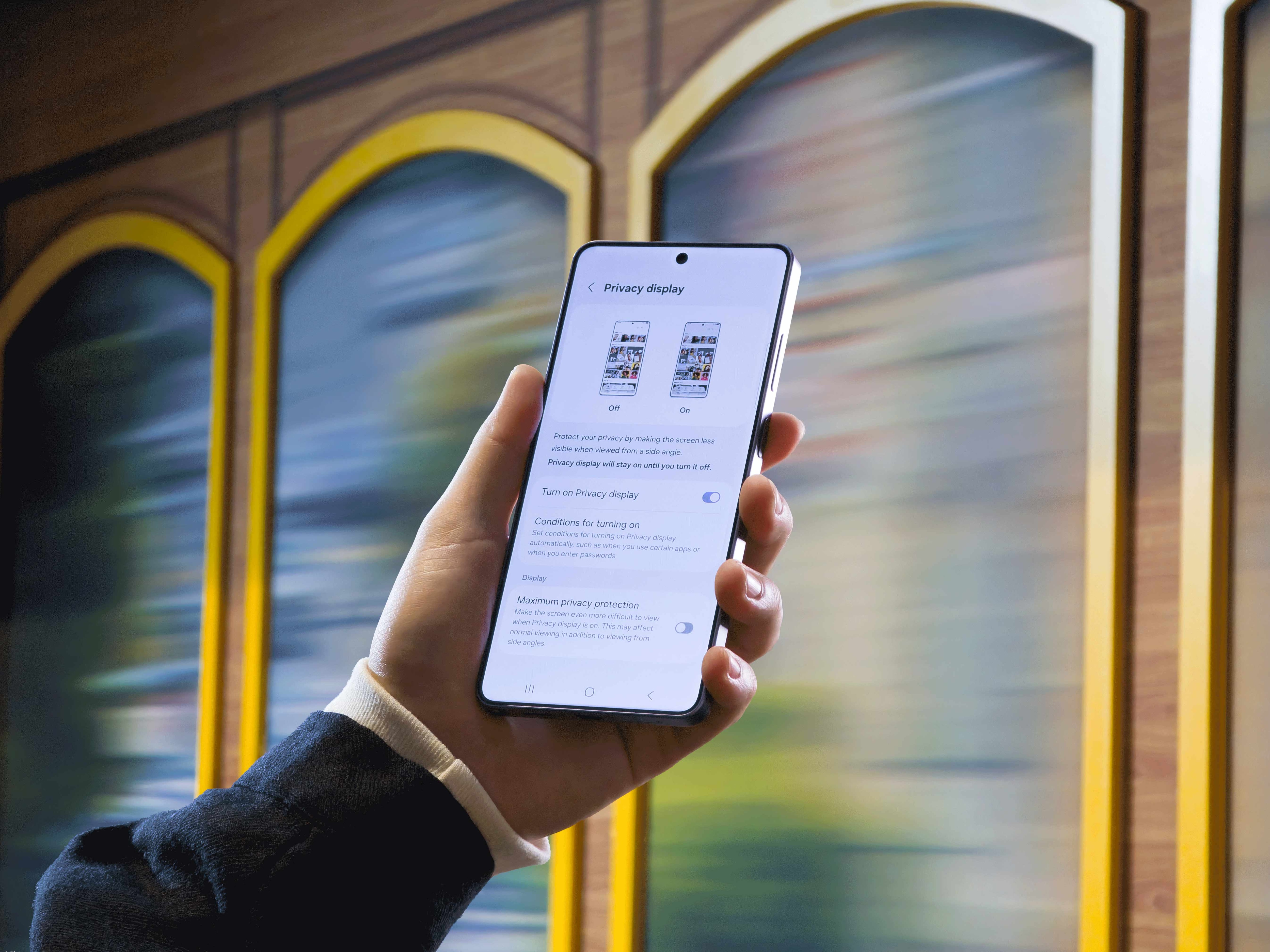
One of the most talked-about upgrades on the Galaxy S26 Ultra is going to be its built-in Privacy Display, designed to limit side viewing without needing a screen protector. Samsung says it can automatically activate while entering passwords, viewing sensitive content, or using selected apps, keeping information visible only to the user. For Indian smartphone users who often use phones in crowded spaces like metros, offices, and cafes, this sounds practical. But how well does it work in real life, and does it affect brightness, color accuracy, or battery life? What do you think?

